Clinic front desk and queue management software.
This starts with the desk, where a clinic's day begins. A live token queue, walk-in entry, collections, reminders, a patient list and a broadcast tool, fed by online and WhatsApp booking, so the front desk runs from one screen.
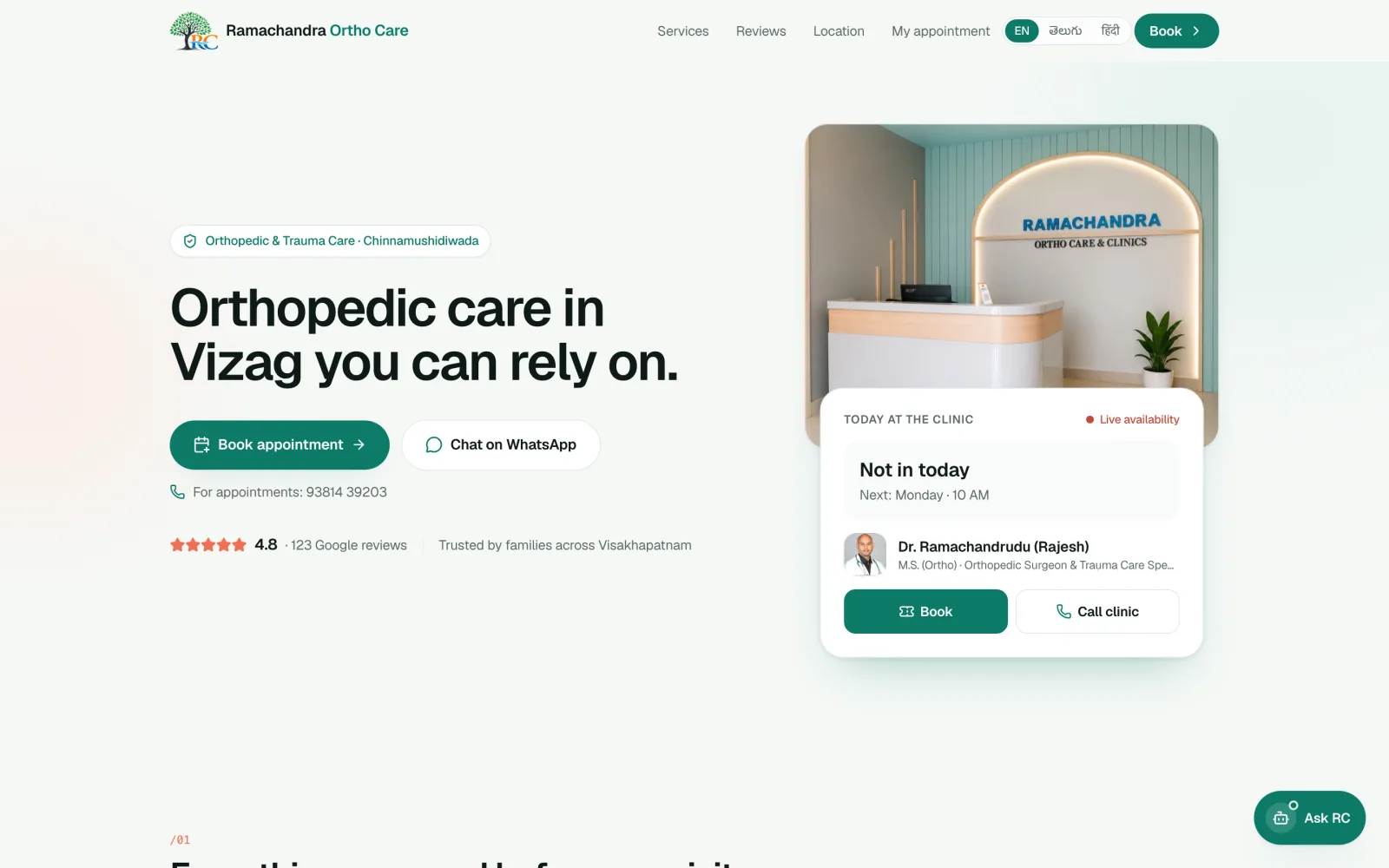
A Vizag orthopaedic clinic books and runs its day on it
Telugu, English and Hindi, written the way people talk
A slot waits for payment, then goes back to the pool
We design it, build it, train your desk and stay on
What the desk gets
The screen reception actually works from:
- Today's queue with tokens, status and who is next
- Walk-ins added in seconds, with a token issued
- Cash and online payments tracked, refunds shown
- A switch for the doctor being in, running late or away, shown live to patients
- A patient list, a calendar and a broadcast tool for notices
Pick a day and a time
- #5 · SeenPaid online
- #6 · In consultPaid online
- Open slotFree
The desk never types the booking in. It appears here the moment it is real.
Not a login and a promise. Working things you can use.
- 01
A booking page on your own web address
Your schedule, visit types and fees, in Telugu, English and Hindi, designed to look like your clinic.
- 02
A WhatsApp assistant on your clinic number
It books, reschedules, cancels and answers timings and fees, with quick-reply buttons.
- 03
Pay to confirm, with refunds built in
UPI and cards. A slot waits fifteen minutes for payment, and paid cancellations refund automatically.
- 04
A front desk screen your reception will use
A live token queue, walk-ins, collections, and a switch for the doctor being in, late or away.
- 05
Reminders and notices that send themselves
An evening-before reminder, a nudge when a hold lapses, and a broadcast for running-late days.
- 06
Training and a printed handbook
An illustrated guide for your reception and a walkthrough on the day you go live.
See it before you talk to us.
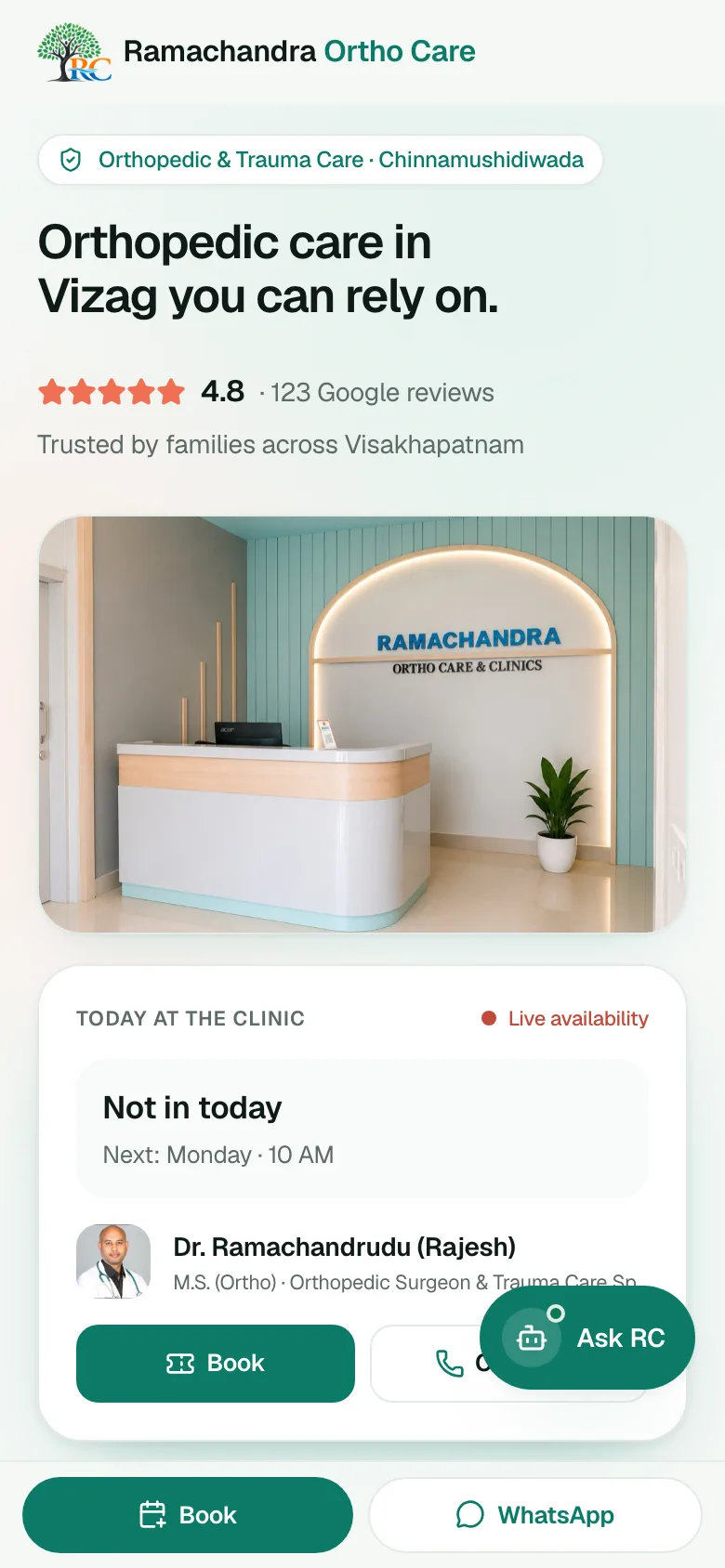
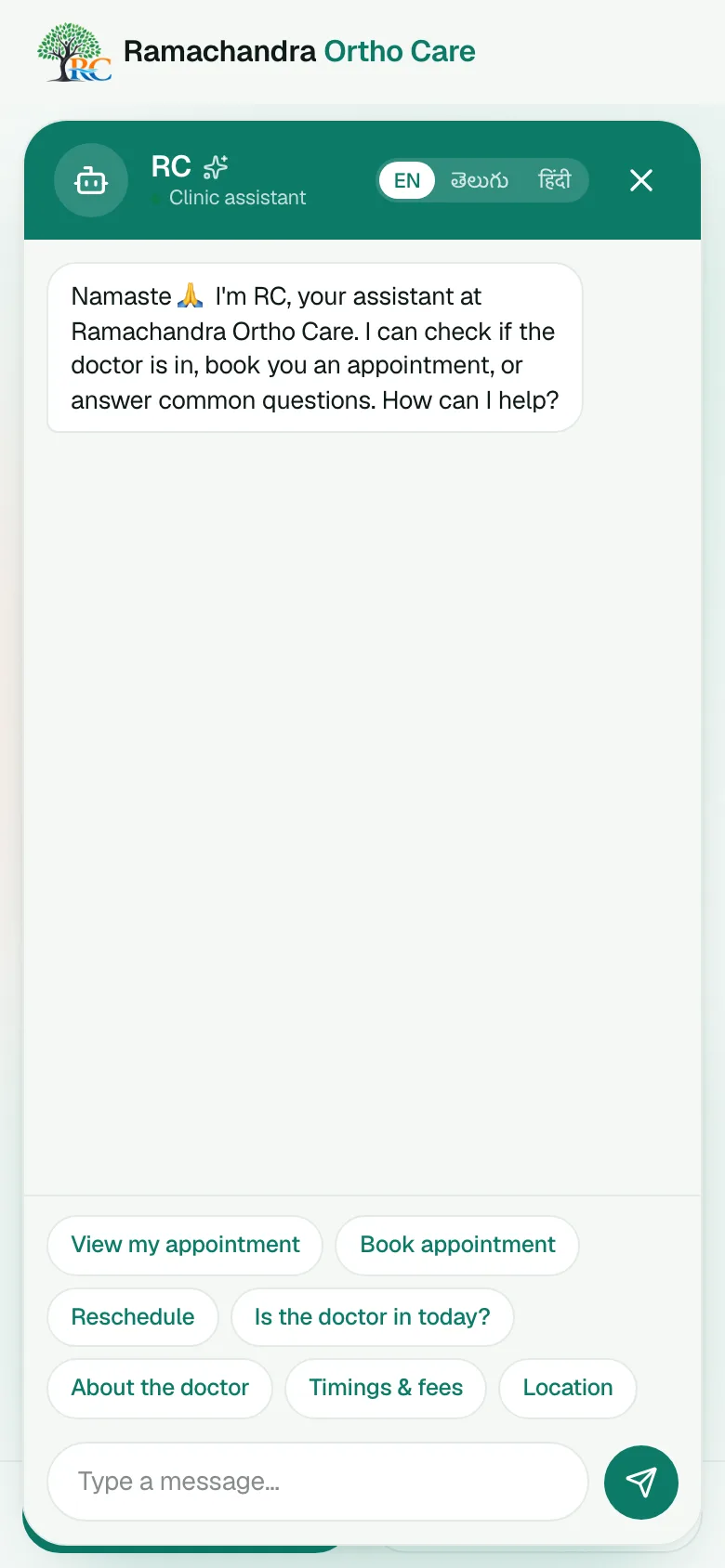
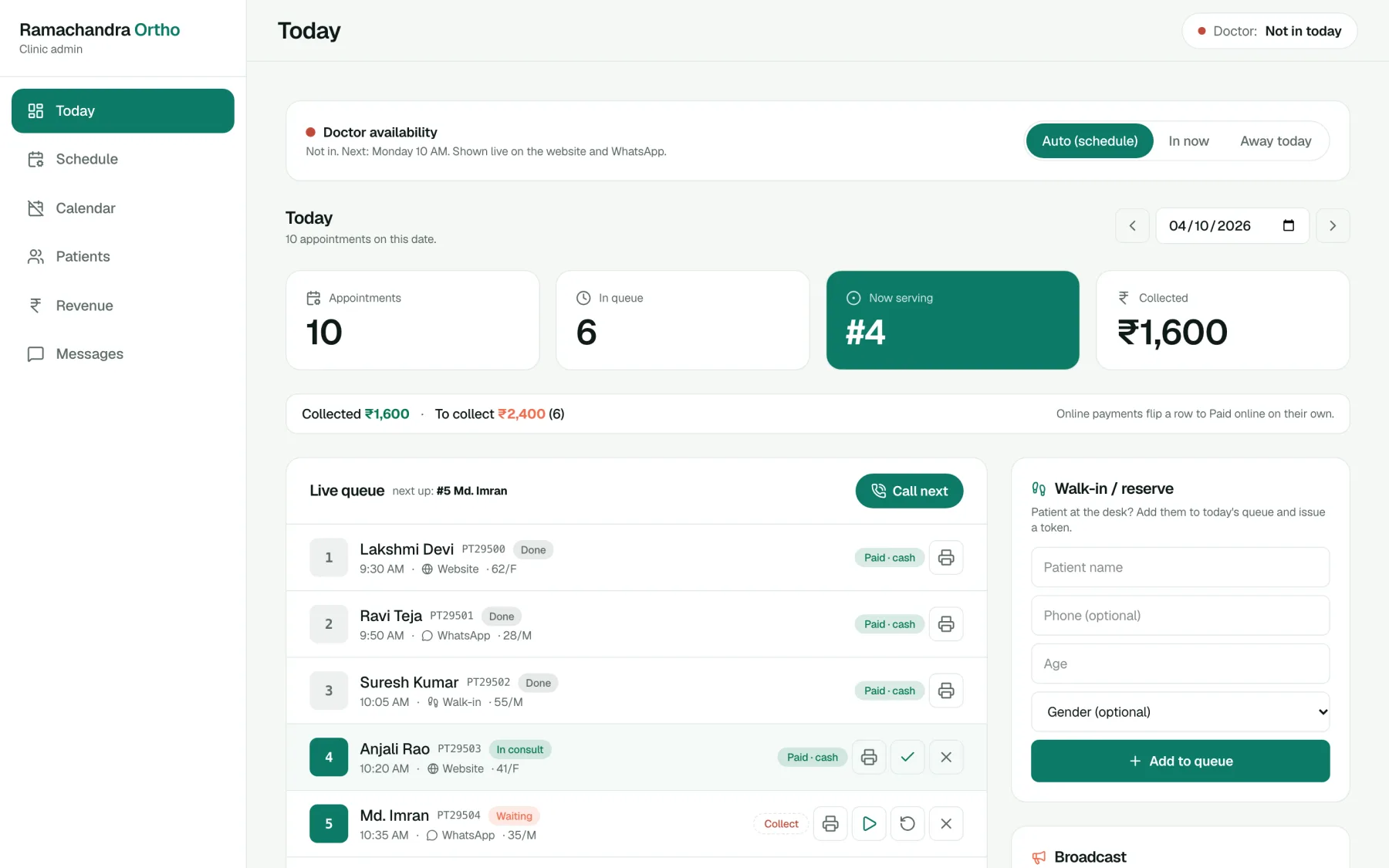
Real screens from a live clinic. The front desk view is shown with demo patients.
Records, prescriptions and billing
The front desk comes first. Patient records, prescriptions and insurance billing can be built as the next phase, scoped with you, or we connect to the records software you already use. Either way, the desk screen is where your day starts.
Staff training included
We write an illustrated handbook for your reception and run the first day with them. A good tool the desk does not trust is worse than none, so we spend time on that.
We are not for everyone, and that is fine.
A good fit if
- You run a clinic or small practice and want patients to book without phoning
- You are happy for patients to book on WhatsApp and in Telugu
- You want someone who sits with your front desk, not someone who emails a login
- You like the idea of a slot being real only once it is paid for
- You want booking first, with records, prescriptions or billing as the next phase
Probably not if
- You want a ready-made tool you can switch on today with no setup
- You want it live in two days
- Price is the only thing you are comparing
- You want booking to stay on paper
We quote against a written plan, not a guess.
A flat price list would be wrong for most of the people reading this. After a short walkthrough you get scope, what is included, what is not, and a number you can hold us to.
What moves the price most
- The number of doctors and locations
- Which payment, WhatsApp and records integrations you need
- How much training and on-site support you want
If a project does not need a custom build, we will say so.
Straight answers.
Can you build medical records, prescriptions and billing too?
Yes. We start with booking, queue and payments, and add records, prescriptions and billing as the next phase, scoped with you.
Does it work on a phone or tablet?
Yes. The desk screen works on desktop, tablet and phone.
Can several staff use it at once?
Yes. Updates appear live for everyone logged in.
Appointment booking software for clinics and hospitals
Online and WhatsApp appointment booking with payments and a live token queue for clinics and hospitals in Visakhapatnam, Andhra Pradesh and across India.
Read moreHospital appointment booking system
Online and WhatsApp appointment booking for hospitals and multi-doctor clinics in India: per-doctor schedules, payments and a live queue, scoped properly first.
Read moreClinic appointment booking software: a buyer's checklist
What to check before you buy appointment booking software for a clinic in India: WhatsApp, payments, Telugu, queue, data and support, as an interactive checklist.
Read more
Four steps, and you are in control of each one.
- 01
You message us
A few lines is plenty. Tell us about your business and what is not working.
- 02
We ask the right questions
How your day runs, who your customers are, and what you have tried.
- 03
You get a written plan
Scope, what is included, what is not, and a quote against it.
- 04
We start small
A pilot or first milestone, so you see it working before you commit further.
Not sure what to write? Send us these three lines.
- 1 What kind of clinic you run, and in which city
- 2 How patients reach you today: calls, WhatsApp, walk-ins
- 3 The one thing at the front desk you would fix first
Ready when you are.
We read every message ourselves. No sales script, no pressure.